


Mariana Shchupliak
@mari_shchupliak
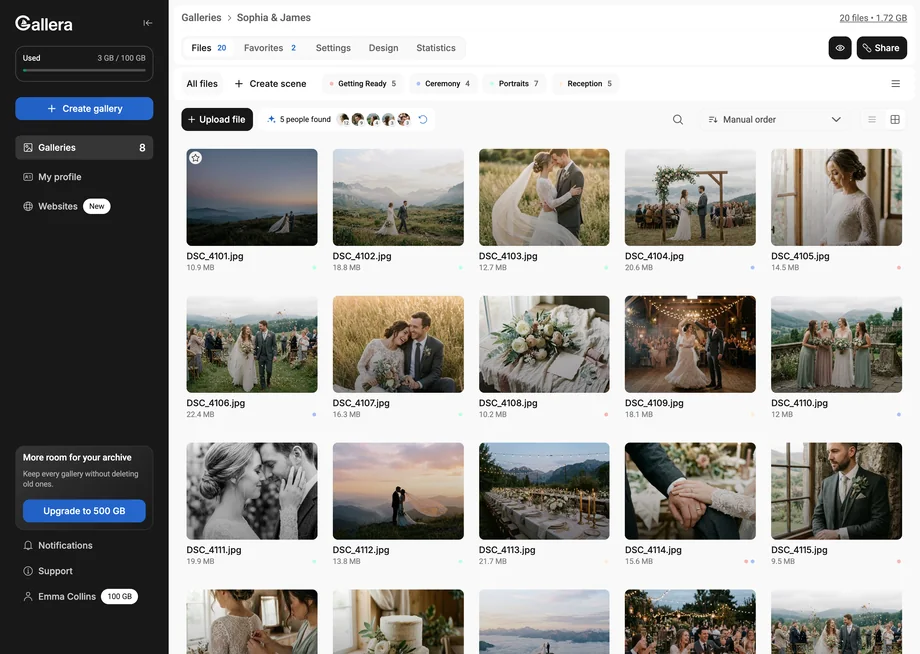
Enjoying the new gallery. Just look how beautifully you can deliver photos now.
PLUGIN FOR LIGHTROOM CLASSIC
Favorites into a collection, finished photos into the gallery.
Enjoying the new gallery. Just look how beautifully you can deliver photos now.

Yesterday I discovered a great find! Sharing it with you. Looks like I’m finally off the Google Drive hook.

Hooray! The shoot is ready and uploaded to @gallera.io. It’s a new Ukrainian service for delivering photos.

From now on photos will be delivered through a private online gallery. Made by Ukrainians, by the way.

That's what inspires me to move forward and create 🤍

Another shoot is on its way to @nadi.b.96. And a reminder: @gallera.io helps me present your photo sessions so you can enjoy them.
WHAT THE PLUGIN DOES
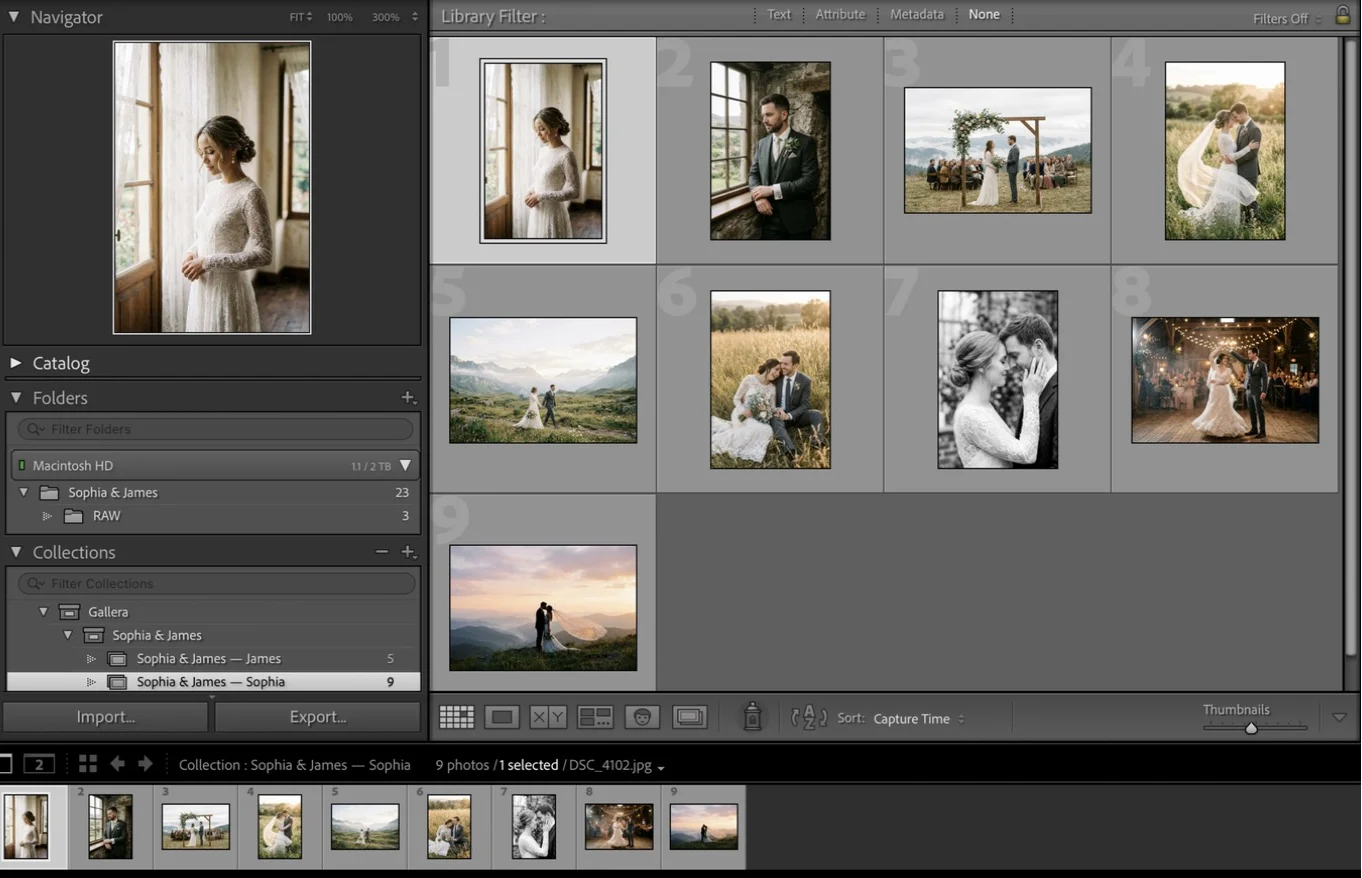
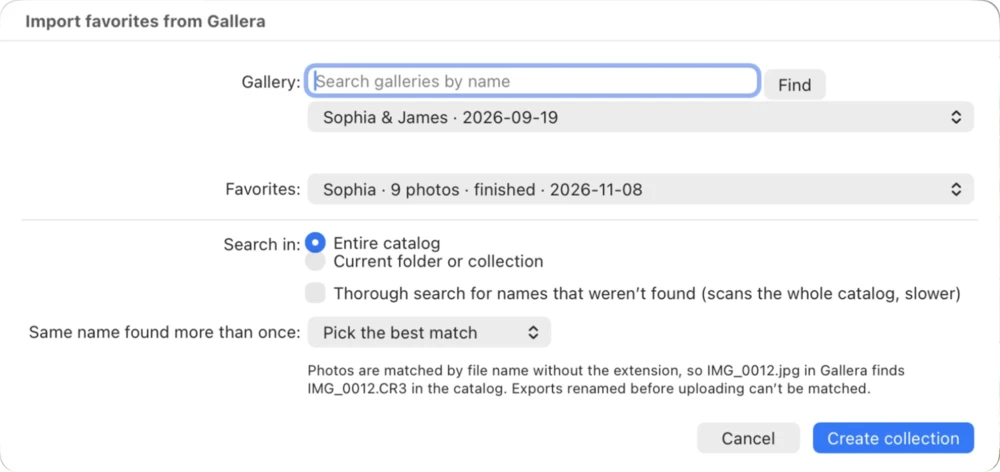
Your client marks photos in the gallery, and the plugin finds them in your catalog and puts them into a collection for retouching.
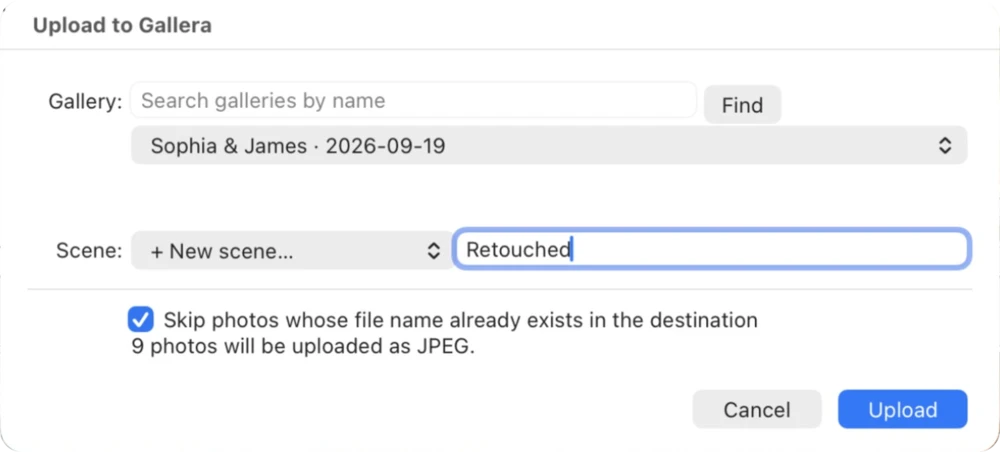
Done editing? Upload from Lightroom to the client gallery, existing or new, into a separate scene.
GET STARTED
Adobe, Lightroom and Lightroom Classic are trademarks of Adobe Inc.
Adobe Lightroom Classic 10 or later on macOS or Windows and a Gallera account. Cloud-based Lightroom (not Classic) doesn’t support plugins.
The plugin is free. Uploaded photos use storage on your Gallera plan.
By file name without the extension, so IMG_0012.jpg in the gallery finds IMG_0012.CR3 in the catalog. Virtual copies and files renamed after uploading are found by a thorough search.
Those photos can’t be matched by name. The plugin lists them in the report, and you can copy the names to find them manually.
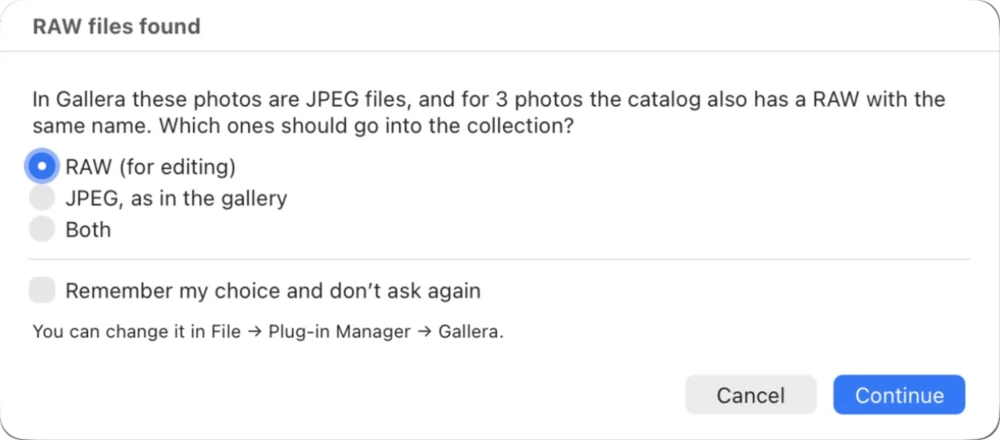
The plugin asks what to put into the collection: RAW for editing, the format from the gallery, or both. You can make it remember your choice.
JPEG (sRGB). Size, quality and watermark come from your Lightroom export settings.
Create a token in Gallera (Settings › Integrations › Lightroom Classic) and paste it into File › Plug-in Manager › Gallera. Disconnect there, or revoke the token in Gallera.
Not yet. For Capture One, the favorites list has a button that copies file names for searching.